A missed call at 4:42 PM can cost more than one job. For a clinic, it might mean an empty appointment slot tomorrow. For a contractor, it might mean a quote request that goes to the next company. For a training provider, it might mean a student who never completes registration. That is why customer communication software for service business is no longer a nice-to-have. It is part of the operating system.
Most service businesses do not struggle because they lack demand. They struggle because communication breaks down between the first inquiry and the finished service. Leads sit in an inbox. Appointment reminders go out inconsistently. Staff members text customers from personal phones. Reviews are requested when someone remembers. Payment follow-up happens late, if at all. The result is lost revenue hidden inside everyday admin work.
What customer communication software for service business should actually solve
A lot of software claims to improve customer communication. In practice, service businesses need something more specific. They need a system that helps them respond faster, stay organized, and keep the customer moving from inquiry to booking to follow-up without relying on memory.
That means communication cannot live in isolation. If messages are separate from scheduling, if scheduling is separate from customer records, and if follow-up is separate from reviews and payments, the business is still working with fragments. Staff waste time switching between tools, and customers feel the inconsistency.
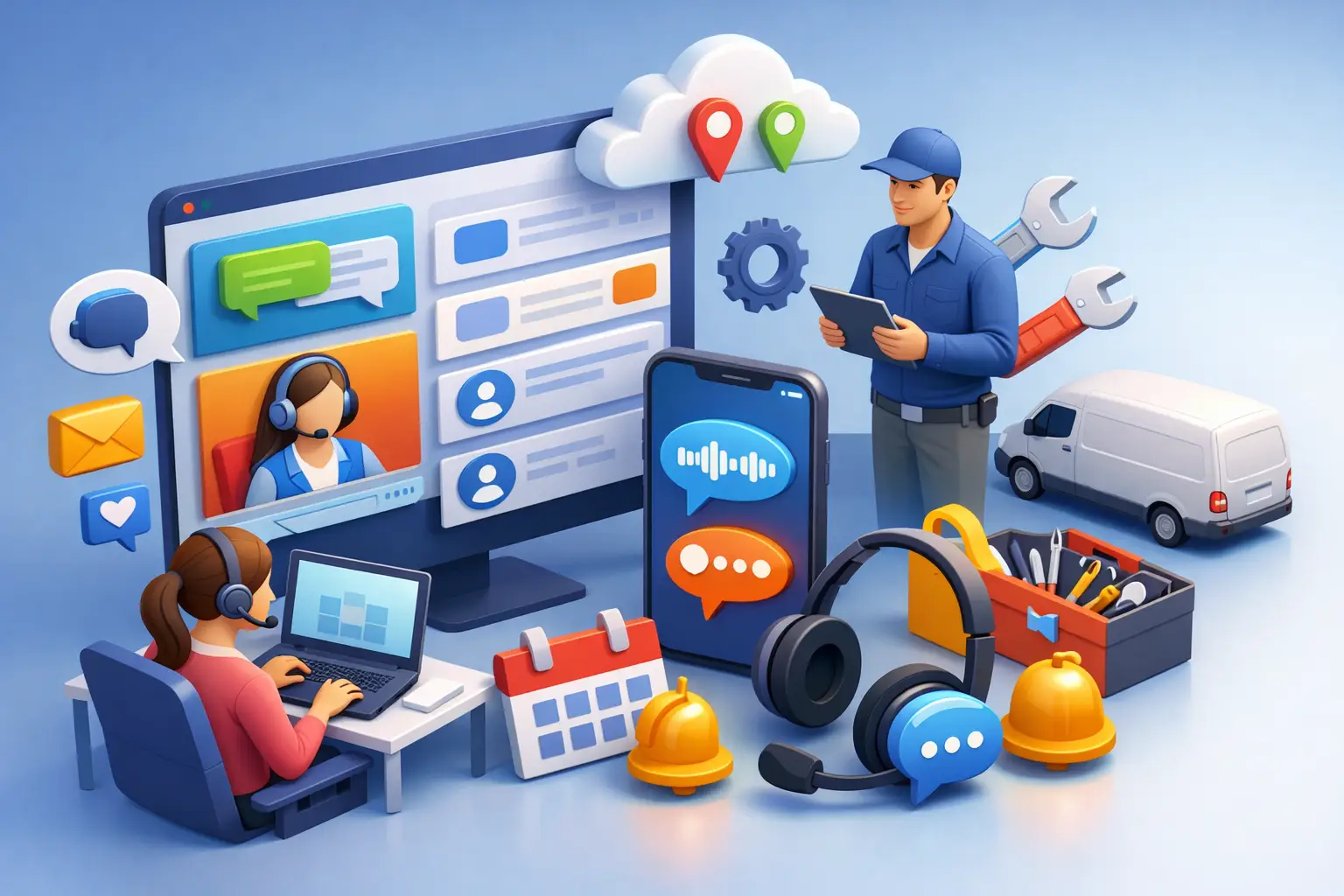
Good customer communication software for service business brings these moving parts together. A new lead should trigger a response. A booked appointment should trigger reminders. A completed service should trigger review requests, payment collection, or rebooking prompts. The software should support the workflow, not add another screen to manage.
The real problem is tool sprawl
Many small and midsize service businesses patch together their process over time. They start with email and a phone line. Then they add an online calendar, a CRM, a texting app, a form builder, a payment link, and maybe an automation tool. Each one solves a narrow issue, but together they create a larger operational problem.
The team now has to remember where the customer conversation lives. Was that estimate request in email, text, Facebook messages, or a website form notification? Did the reminder go out from the scheduler or did someone need to send it manually? Was the customer asked for a review after the job, or was that skipped during a busy week?
This is where consolidation matters. For service businesses, efficiency comes from reducing handoffs and guesswork. One system with messaging, scheduling, follow-up automation, customer records, and operational visibility is usually more valuable than five disconnected apps with stronger individual features.
There is a trade-off, of course. A specialized point solution may go deeper in one area. But most service operators do not need the deepest standalone texting tool or the most advanced form builder. They need fewer missed opportunities and less staff time spent chasing routine tasks.
Features that matter in daily operations
If you are evaluating platforms, look past generic feature lists and ask what happens on a normal workday.
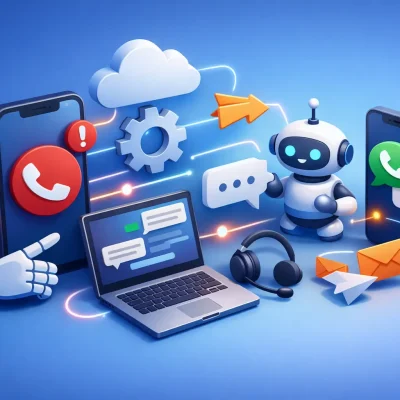
Start with lead capture and response speed. Service businesses win business when they respond quickly. The system should centralize inquiries from forms, calls, and messages, then make it easy to reply immediately or trigger an automatic first response. This is especially important for clinics, training companies, and home service providers where customers often contact multiple businesses at once.
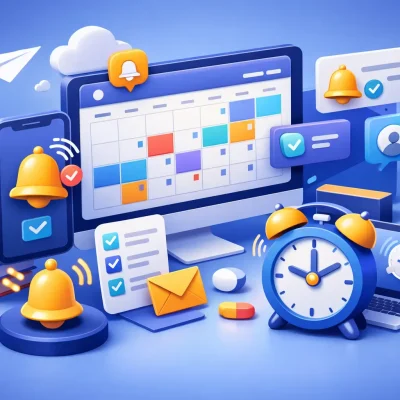
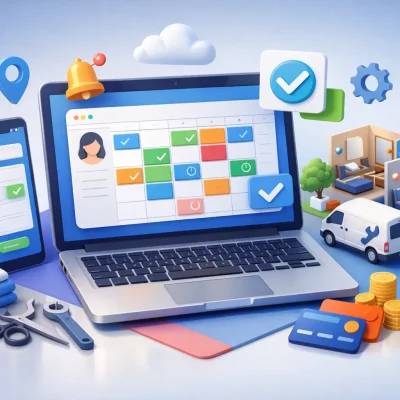
Next is appointment management. Booking tools matter, but reminders matter just as much. A scheduling feature without automated confirmations, reminder sequences, and reschedule options will not do much to reduce no-shows. For businesses that depend on keeping the calendar full, communication before the appointment is a revenue function.
Customer records also need to be usable, not just stored. Staff should be able to see prior messages, upcoming bookings, payment status, notes, and service history in one place. When communication context is missing, customers repeat themselves and staff lose time piecing together the situation.
Automation is another core requirement, but it needs to be practical. The best workflows are the ones tied to actual service operations: following up on abandoned bookings, requesting reviews after completion, reminding customers about expiring certifications, prompting repeat appointments, or nudging unpaid invoices. Automation should remove repetitive admin, not force the business to redesign everything around the software.
Finally, mobile access matters more than many businesses realize. Owners, office managers, and field teams often need to respond between jobs, from a front desk, or while moving between locations. If communication only works well from a desktop, response times slip.
Where service businesses see the payoff
The payoff is not just cleaner communication. It shows up in measurable business outcomes.
The first improvement is usually lead conversion. Faster response times and consistent follow-up mean fewer inquiries go cold. For businesses with high lead volume or after-hours inquiries, this alone can justify the system.
The second is fewer no-shows and cancellations. Reminder workflows, confirmations, and easy rescheduling help customers keep commitments. That matters for clinics, wellness providers, training businesses, and studios where an empty slot is perishable revenue.
The third is stronger retention. Many service businesses focus heavily on acquisition but under-manage the customer relationship after the first visit or completed job. Regular, automated follow-up keeps the business visible and creates repeat bookings without requiring manual outreach every time.
The fourth is staff efficiency. When messages, appointments, notes, and follow-up tasks live together, teams spend less time checking multiple systems and fewer things fall through the cracks. That reduces stress as much as it reduces labor waste.
Different industries need different workflows
This is where many platforms miss the mark. Service businesses share common communication problems, but the workflow details are not identical.
A CPR or healthcare training provider may need registration reminders, certificate renewal follow-up, and class-based messaging. A clinic may prioritize appointment confirmations, intake reminders, recall campaigns, and review requests. A contractor may need quote follow-up, job reminders, technician updates, and payment collection after service. A fitness studio may care most about trial lead nurturing, membership communication, and attendance-driven retention.
That does not mean every business needs industry-specific software in the narrowest sense. It does mean the platform should be flexible enough to support how service delivery actually works in your business. If the system is built around generic contact management but weak on booking, reminders, and repeat engagement, it will create more manual work than it removes.
How to evaluate the right platform
Start with your biggest communication leak. If missed inquiries are the main issue, test response workflows first. If no-shows hurt margins, focus on reminders and scheduling logic. If customer retention is weak, review what post-service automation the platform supports.
Then look at implementation reality. A powerful system is only useful if your team will use it consistently. The right platform should help you launch with templates, pipelines, automations, and booking settings that match your operation without months of setup.
It is also worth asking how much complexity your team can reasonably absorb. Some businesses outgrow simple tools, but they do not necessarily need enterprise software. In many cases, the better choice is a platform that combines CRM, messaging, scheduling, review management, and follow-up automation in a way that is clear enough for daily use.
This is one reason businesses move toward systems like ResQEngage. The value is not just having more features. It is having communication, appointments, follow-up, and customer management connected in one operational workflow.
What to avoid
Be careful with software that looks strong in a demo but depends on heavy manual upkeep. If every automation requires custom building, if every message has to be sent from scratch, or if reporting only makes sense to a technical user, adoption usually drops fast.
Also be cautious about buying separate tools to solve each issue one at a time. That approach can work for a while, but it often creates duplicate data, inconsistent customer experiences, and extra admin overhead. The cheaper monthly stack is not always the cheaper operating model.
The best customer communication setup is the one your team can run every day without friction. It should help you answer faster, book more consistently, follow up automatically, and keep customer relationships active after the job is done.
For service businesses, communication is not a side function. It is how revenue moves. When the system behind it is organized, the business gets easier to run and harder to outpace.